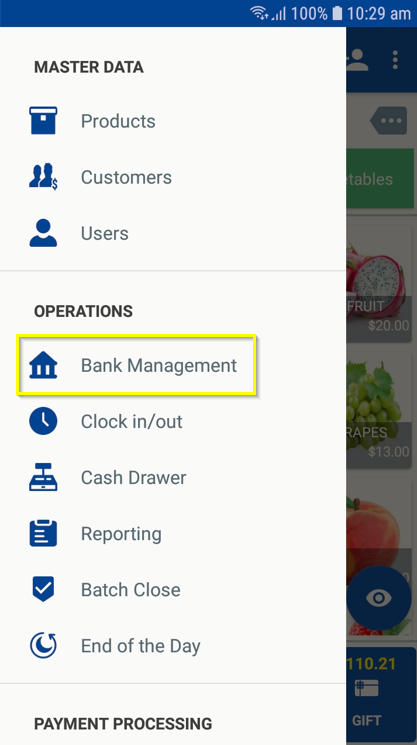
Click on the Menu icon from the home screen and under the Operations section → Select ‘Bank Management’.
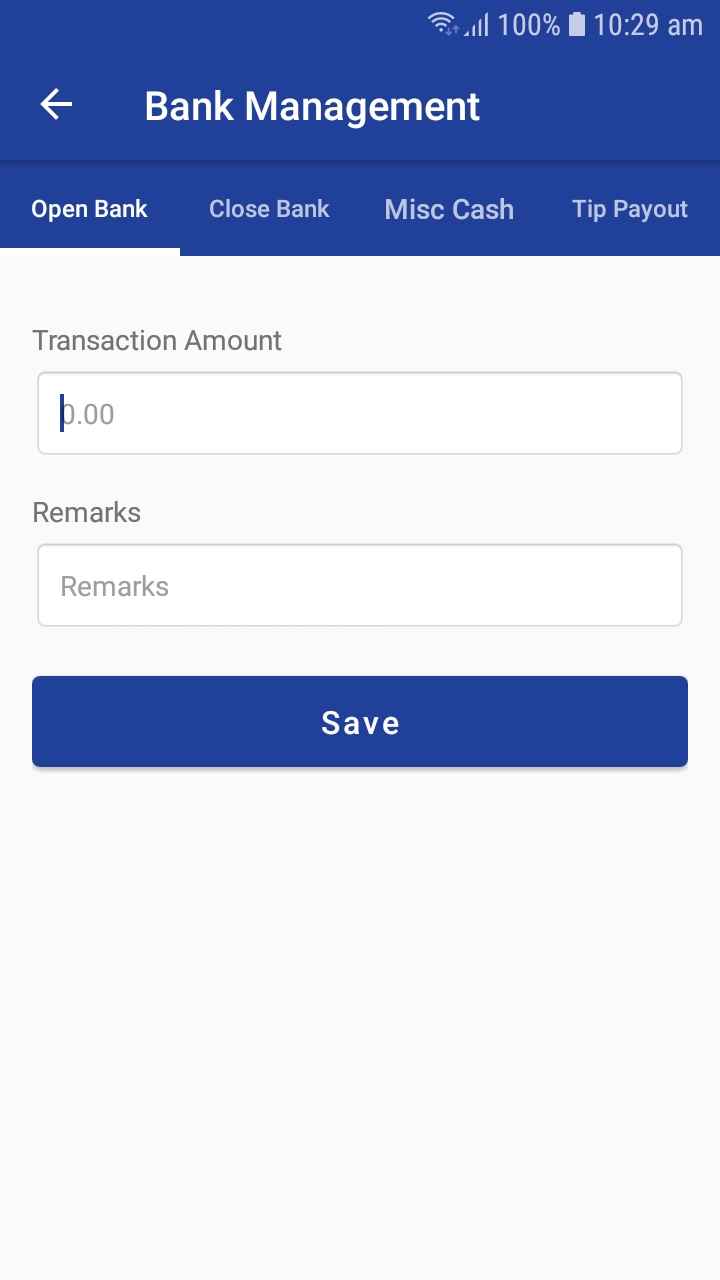
Open Bank: This is the procedure performed to open the bank for the day. Enter the opening balance and click 'Save'.
Close Bank: This is the procedure performed to close the bank for the day. Enter the closing balance and click 'Save'.
Misc Cash: Misc cash is the money received or disbursed when no transaction or no inventory is sold. These are petty cash transactions. Enter the transaction amount and select from ‘Cash Receipt’ or ‘Cash Disbursement’.
Tip Payout: This allows the user to enter the amount of cash taken out of the drawer to give to your employees as tips. Enter the transaction amount and Click ‘Save’.
At the end of the day, print the Daily Sales Report. This will provide totals for the day’s sales activity. This report resets daily so your report data will always be for the current day only.
Articles in this section
- Zebra RFID Checkout Support in 6IXPOS
- JPMorgan Chase Payment Processor in 6ixPOS
- Tender Rounding in POS
- Phone Order Checkout in 6ixPOS
- FreedomPay in 6ixPOS
- ValorPay Integration on 6ixPOS
- CRM Capture in 6ixPOS
- Suspend & Resume Transaction
- Serialization in 6ixPOS
- Stripe Terminal Integration on 6ixPOS
Comments
Please sign in to leave a comment.