Customer Preference & History
Using the Loyalty & Marketing Module, servers can see guest preferences and history. This allows servers to create an upsell moment by highlighting items that meet those preferences.
If a restaurant has subscribed to the Loyalty & Marketing module they can get guest preference and order history to do target marketing on new menu items or specials.
With that module, they can also past spend and table information.
How does It work?
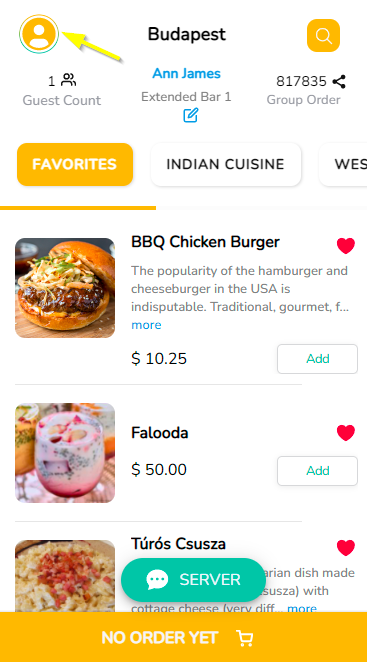
Once the guest log in to Tikt, they can navigate to the Customer Profile icon at the bottom left corner.
Guest Name and Contact Number with earned Loyalty Points will be displayed on the profile page.
They can let the servers know what they are allergic to by simply selecting the predefined allergies listed or can add a new one by clicking on the '+' button.

Servers can view the guest preferences and history from the inServ application.
- Login to inServ
- Navigate to menu → Tables
- From the Table Assignment page, select the area.
- Click on the small arrow ( > ) near the area name to expand and view the tables
- Click on the table, select the option ‘Guest Info’ which will display the information.

Notifications
Guests can see the notifications they have received on the Tikt app when a discount is applied to an item through the inServ application.

Note: If no discounts are applied only the preference tab will be visible.
Articles in this section
- Overview
- Tikt Merchant Portal
- Tikt Configurations
- Open Auths
- How to Add Transaction Fee?
- Pick-Up Orders
- Menu Creation & Setup
- How Tikt Works?
- Scan the QR Code on the Table
- Guest Count & Contact Tracing
Comments
Please sign in to leave a comment.