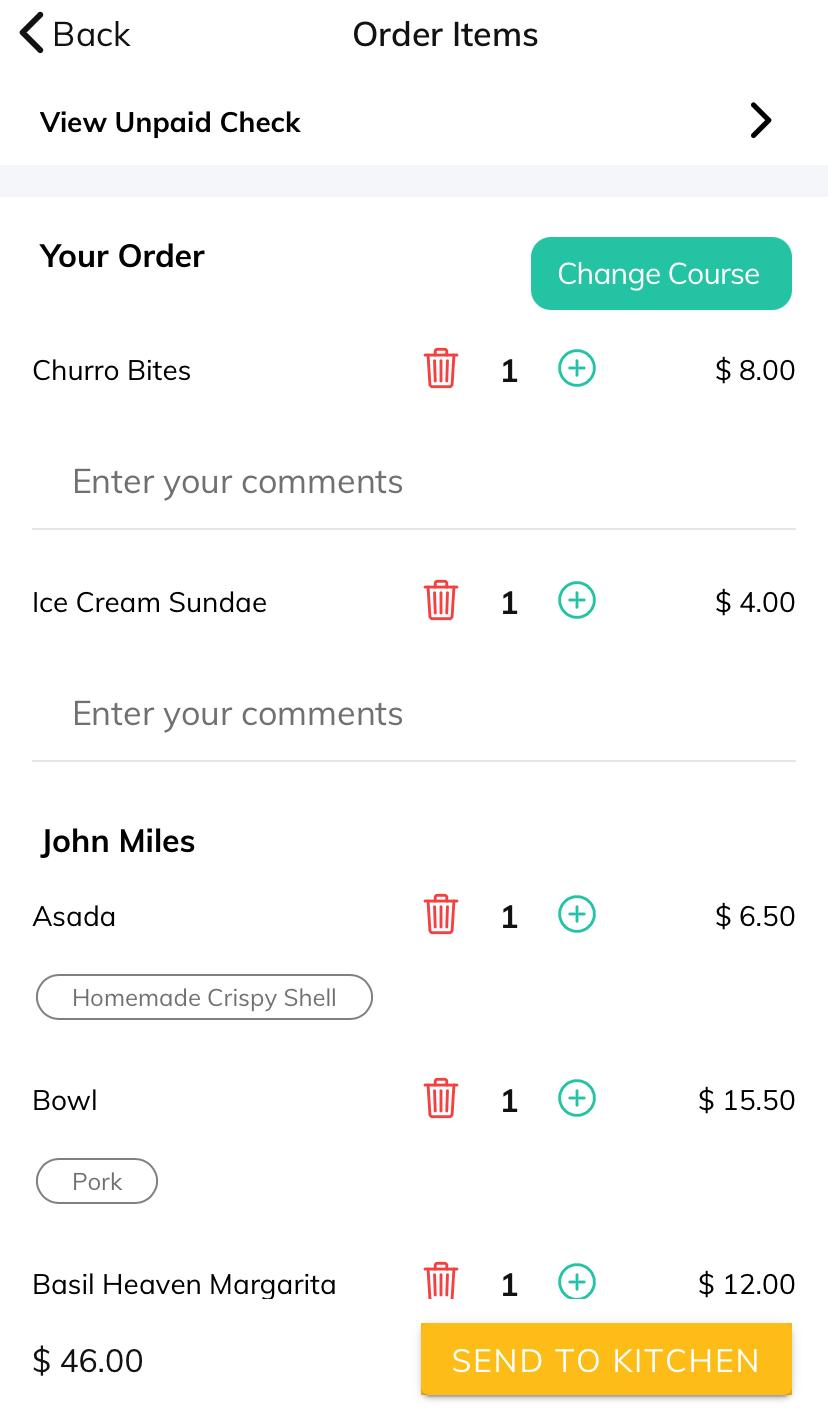
Irrespective of whether you are a primary guest or a secondary, you can see what others are ordering. This will display the name of each guest and the items they added to the cart.
To view the items added to the cart, click on the Review Order cart icon at the bottom of the screen. To add the number of items, click on the + button which will increase the quantity. The delete button will remove the item from the cart.
Articles in this section
- Overview
- Tikt Merchant Portal
- Tikt Configurations
- Open Auths
- How to Add Transaction Fee?
- Pick-Up Orders
- Menu Creation & Setup
- How Tikt Works?
- Scan the QR Code on the Table
- Guest Count & Contact Tracing
Comments
Please sign in to leave a comment.