Description of the item will be displayed under Item Name by default if an item has already description added. You have the option to hide the description under the i (info) button which can be set up from the backend portal.
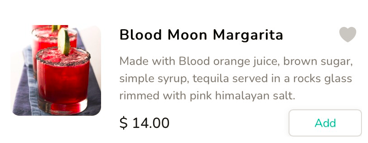
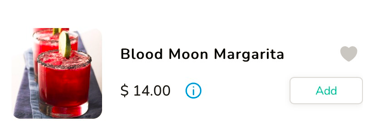
Item with Description Item with Info Button
Click on the 'i' button to view the item description.

Click here to know how to Enable/Disable Item Description
Articles in this section
- Overview
- Tikt Merchant Portal
- Tikt Configurations
- Open Auths
- How to Add Transaction Fee?
- Pick-Up Orders
- Menu Creation & Setup
- How Tikt Works?
- Scan the QR Code on the Table
- Guest Count & Contact Tracing
Comments
Please sign in to leave a comment.